




Description
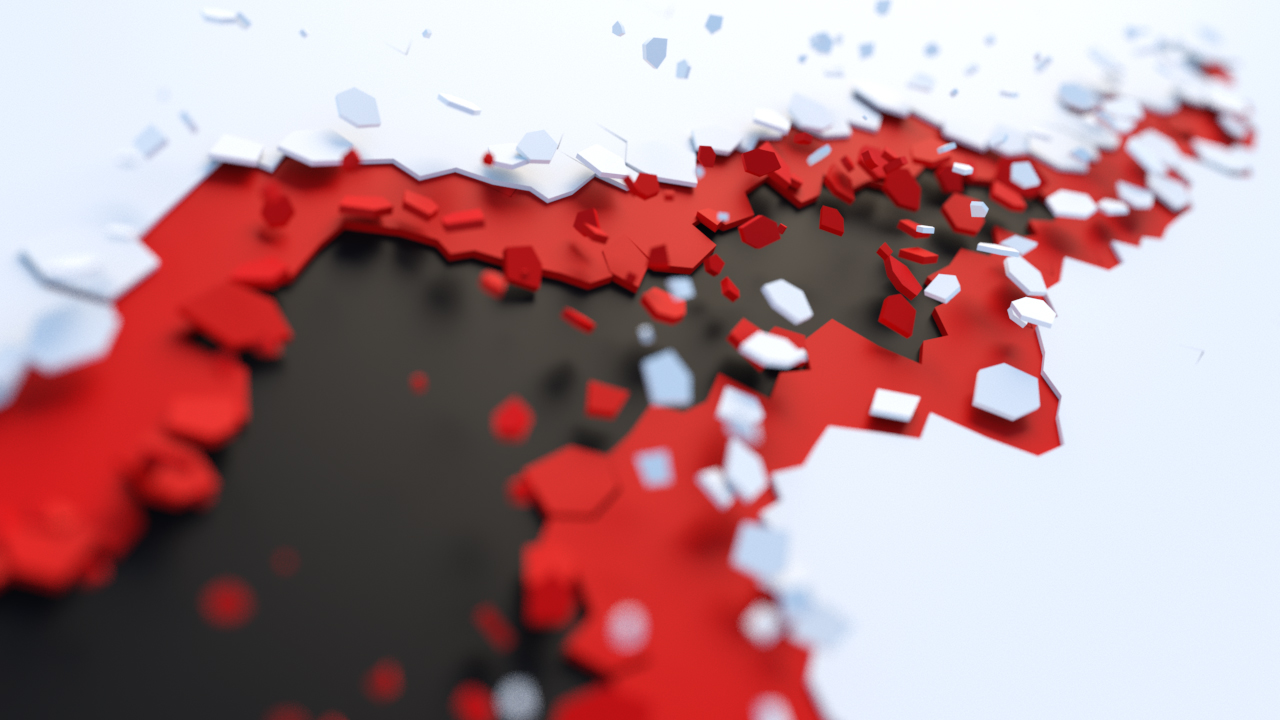
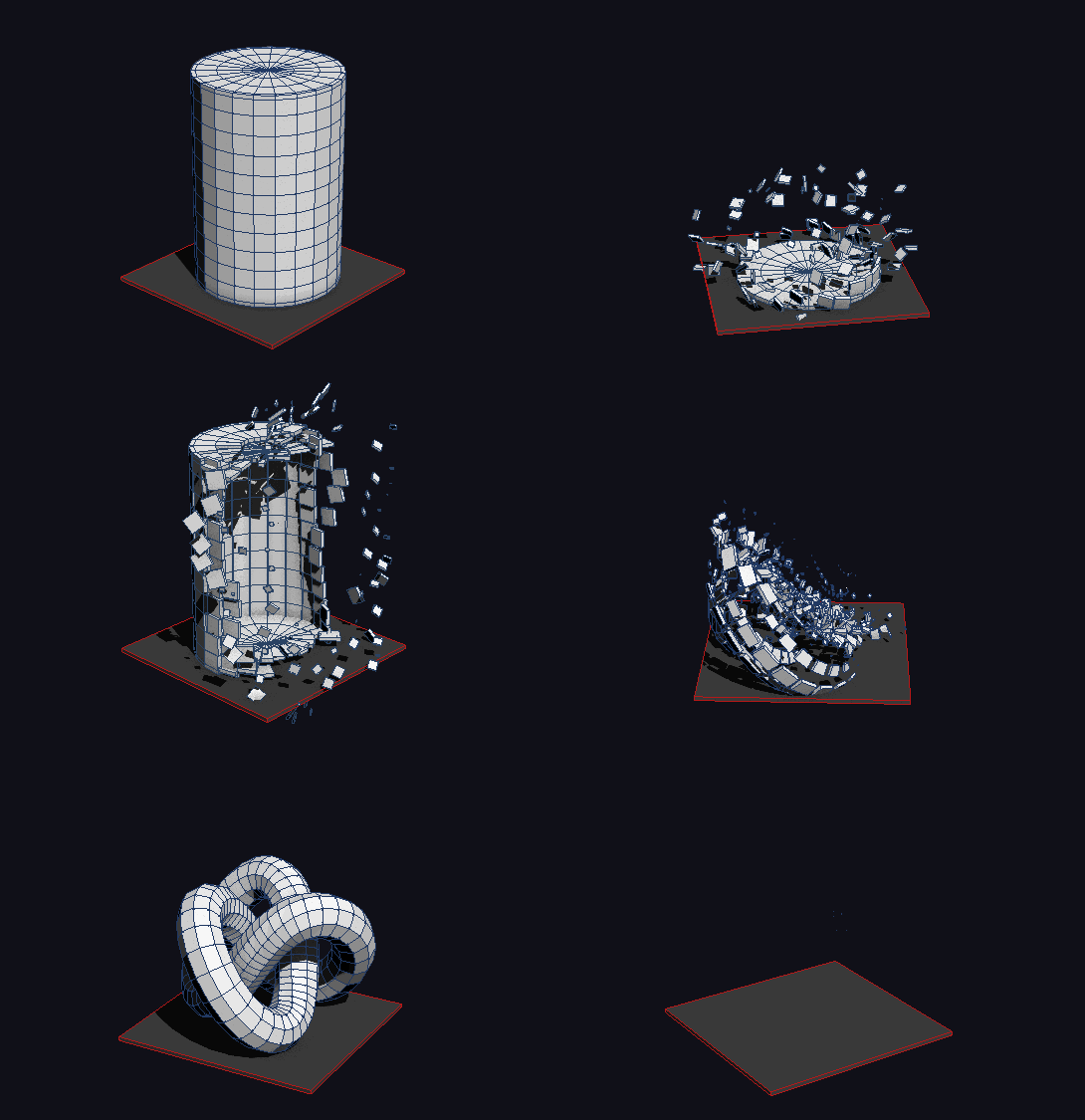
PolyFX is a 3ds Max plugin designed to give artists full control over fragment-based animations. It allows you to break objects into pieces and animate them with precision, offering a range of modes, tools, and fine-tuning options. Ideal for motion graphics, game development, and other production workflows.
Key Features
-
Flexible Modifier Workflow
Operates as an independent modifier, providing an alternative method to create animations without relying on the main animation interface. -
Element-Based Animation
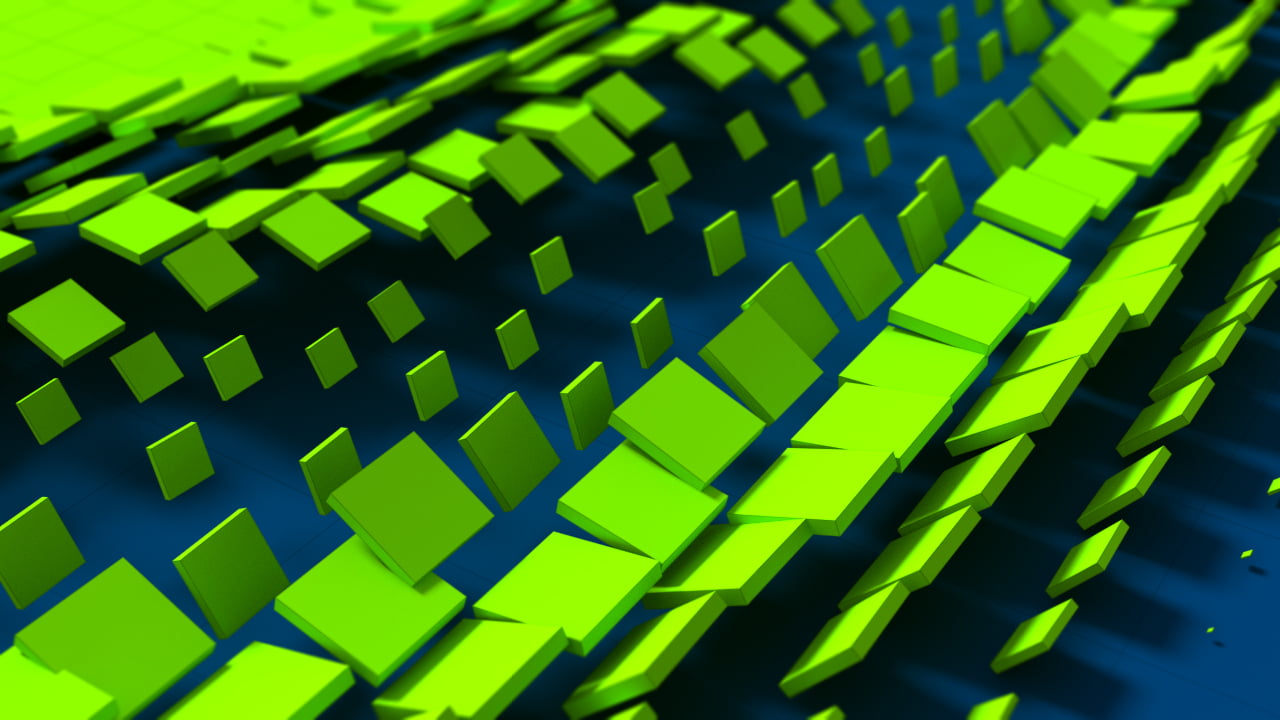
Animate individual fragments or groups of fragments with full control over position, rotation, and scale. -
Built-In Curve Editor
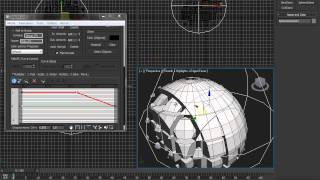
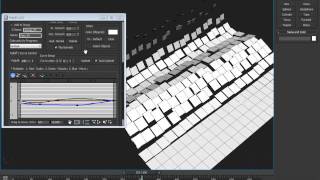
Includes a triple-curve editor that multiplies values for position, rotation, and scale, allowing precise timing and motion control. -
Three Animation Modes
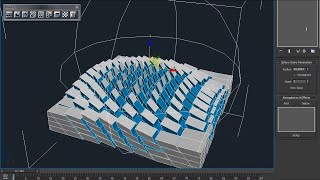
Choose between Key, Controller, and Particle modes. Key mode automatically generates keys for scenes that don’t have the plugin installed, while Controller and Particle modes provide interactive, procedural control. -
Texture Map Integration
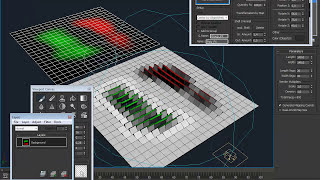
In Particle mode, use texture maps to drive animation effects, enabling color-driven motion and variation. -
Advanced Fragmentation Tools
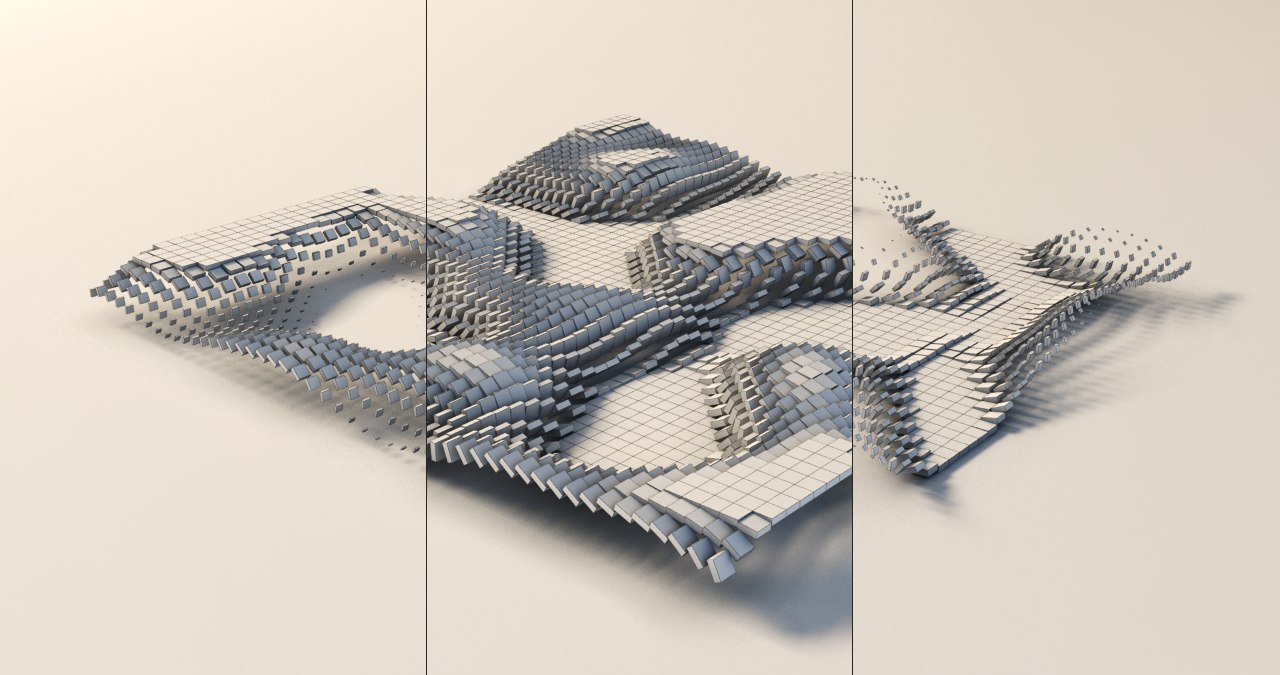
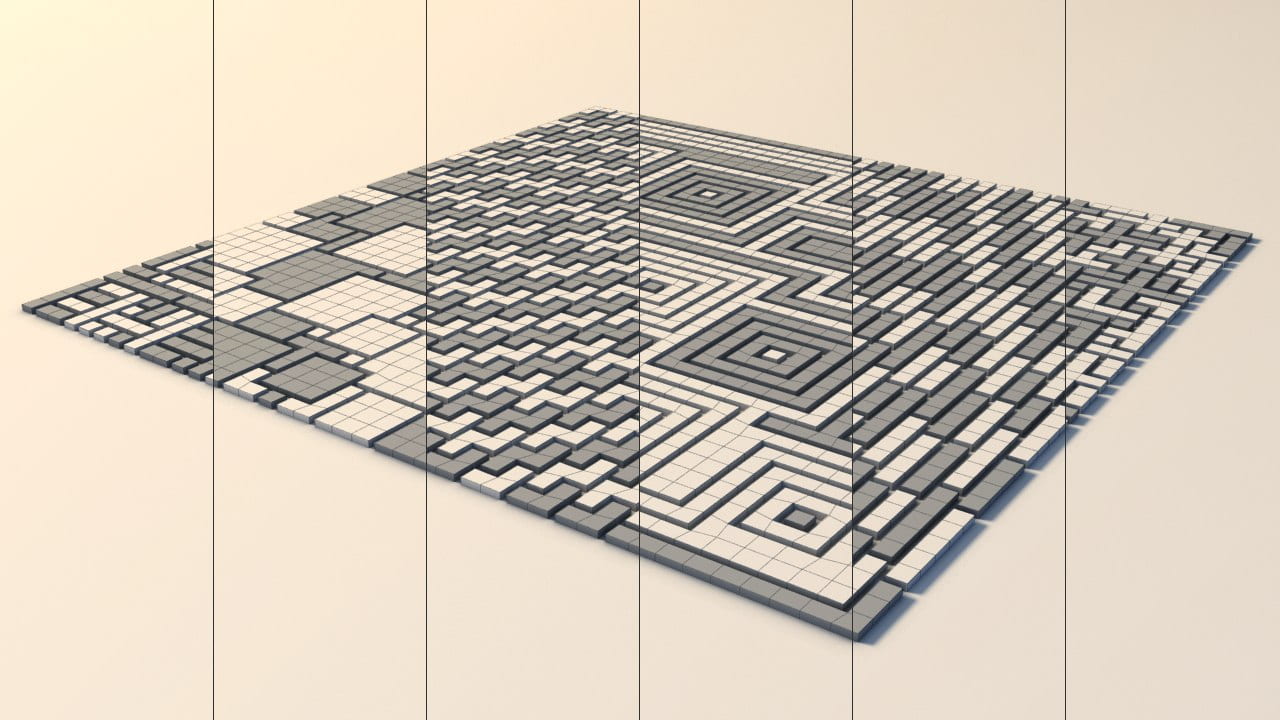
Built-in tools include Slice Fragmentation, Pattern Fragmentation, and Quick Detach, offering versatile methods to break objects into fragments. -
Animation Baking
Convert procedural animations from Controller and Particle modes into standard keyframe animations for compatibility and further refinement.
Demo version limitations
- Animation of elements is not supported
- Color and material assignment from the main PolyFX window is not available
- Modifier settings are not saved with the scene file
Documentation & tutorials
View the user guide and tutorials here.
Requirements
3ds Max 2016 - 2027
Installation
- Unzip the archive
PolyFX.zip. - Run 3ds Max
as administrator. - Drag the
PolyFX.mzpfile into the viewport. If drag-and-drop is not available, useScripting > Run Script. - Click
Install. - Restart 3ds Max to complete the installation.
- Launch via
Command Panel > Create > Geometry, selectPolyFXfrom the dropdown, clickPolyFX, then click in the viewport.
Alternatively, access it from the macro list viaCustomize > Customize User Interface > Group: Main UI > Category: BodyulCG, where you can assign it to a hotkey or add it to a toolbar.
Frequently asked questions
Do I need to install PolyFX on every render node?
It depends on how the animation was created. In Key mode the animation is stored as standard keyframes — the plugin is not required on render nodes. In Controller mode, Particle mode, or when using the PolyFX modifier, the plugin must be installed on all render nodes. Alternatively, you can bake the animation to standard keyframes and render without the plugin.
How do I bake the animation in PolyFX?
Use Animation > Collapse Controllers in the PolyFX window for Controller and Particle modes, or the built-in Bake Animation rollout inside the modifier for modifier-based animations. After baking, the scene renders without PolyFX installed on render nodes.
Support & updates
If you need assistance or have questions, feel free to reach out via the contact form.
For update requests, please include your order number.
Changelog
v3.09
- Added the ability to bake modifier animation.
- Fixed a bug with randomization options in the modifier during distributed rendering.
v3.07
- Added a new powerful modifier for 3ds Max 2016 and higher.
- Changed the default state of the scale curve.
- Slice tool has been redesigned and is now much faster.
- Fixed unstable behavior when undoing action in the Quick Detach tool.
- Fixed crash in the Controller and Particle modes when the window is closed in 3ds Max 2020 and higher.
v3.02
- Fixed bug with unstable work of curve editor.
- Fixed bug with controls "P. Type" and "Quantity" in mode "Particle" in 3ds max 2017.
v3.0
- Added mode "Particle".
- Added "Transform by Map" in "Particle" mode.
- Added tool "Pattern Frag.".
- Added tool "Quick Detach".
- Improved tool "Slice Frag.".
- Improved work with layers (Layers work only in "Key" mode).
- Saving all settings script to a file.
- Fixed many bugs.
v2.6
- Added mode "Controller".
- Added tool "Slice Fragmentation".
- Support for layers.
- Added tool "Collapse Controller" for "Controller" mode.
- Utility for cleaning garbage collection.
- Increased speed.
v2.51
- Fix Bug (Speed and StartFrame).
v2.5
- Added ability to set the name of the object / group.
- Added ability to set color and material objects.
- Added curve editor.
- Added modifier Normal.
- Increased speed of many parameters.
v2.1
- Added the ability to work with the elements.
- Added checkbox "Auto Time Range".
- Added three spinners: "Position X, Y and Z".
- Added spinner "Max. Scale".
- Modified to work with helpers.
v2.0
- Added ability to work with objects of class Helpers.
- Added the following spinners: "Min. Scale", "Random Rot.", "Random Pos.", "Normal Pos.", "Seeds" and three spinners to adjust the angle of rotation.
- Smoothness renamed to Falloff.
- Now checkboxes "Anim. Visibility", "Reverse", "Invert" and most spinners instantly show a change in the viewport.
- Partially rewritten interface.
v1.01
- Added spinner "Start Frame".
v1.0
- First Version.