Description
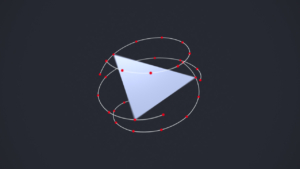
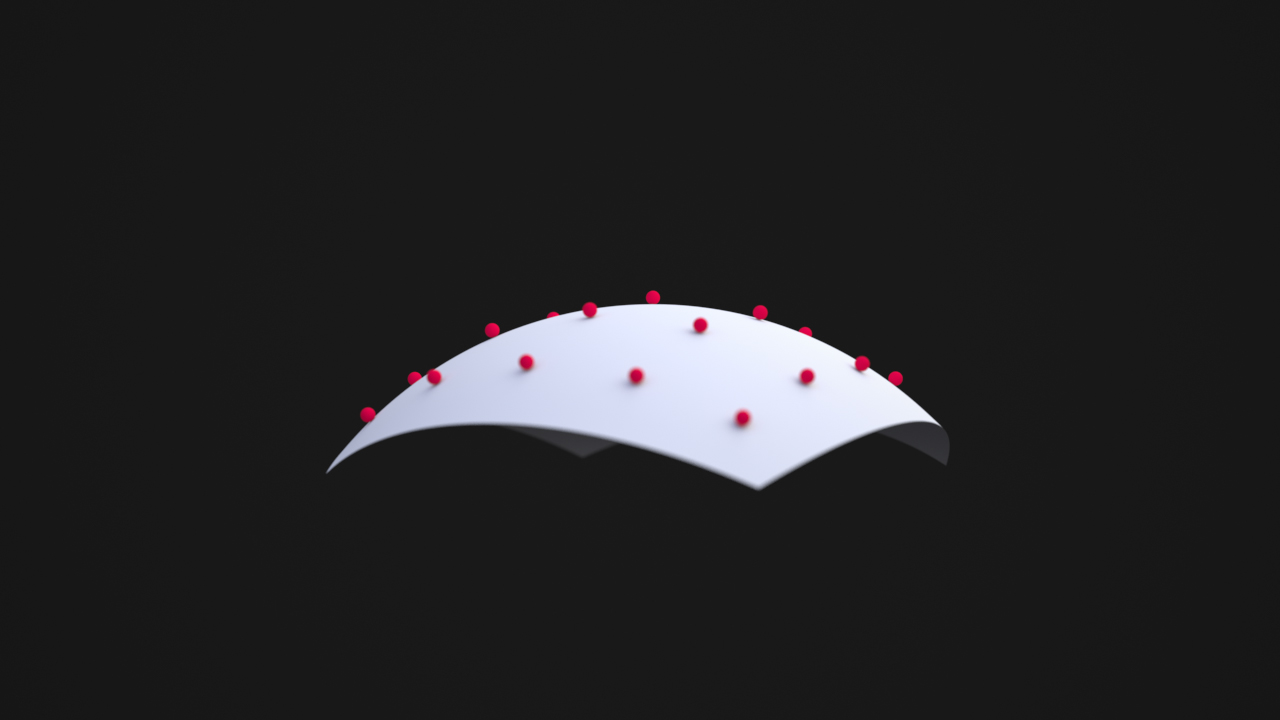
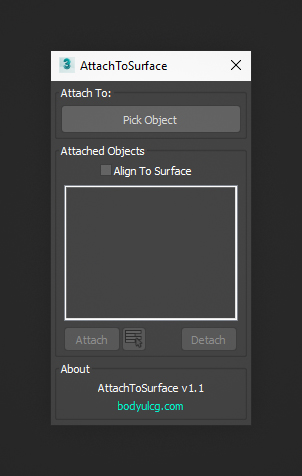
Attach To Surface is a 3ds Max script that lets you attach objects to the nearest point on the surface of a target object using the Attachment Constraint controller. The tool works with both animated transforms and animated mesh deformation, making it suitable for attaching objects to moving or deforming surfaces.
Optionally, the Align to Surface option orients each object's local Z-axis to the surface normal of the target object.
Requirements
3ds Max 2010 - 2027
Installation
- Unzip the archive
AttachToSurface.zip. - Drag
AttachToSurface.mcrinto the viewport to install the script. - Open
Customize > Customize User Interfaceand locate it underGroup: Main UI > Category: BodyulCG. - Optionally assign the macro to a hotkey or drag it onto a toolbar for quick access.
Changelog
v1.1
- Added a list to display attached objects.
v1.0
- First version.