Description
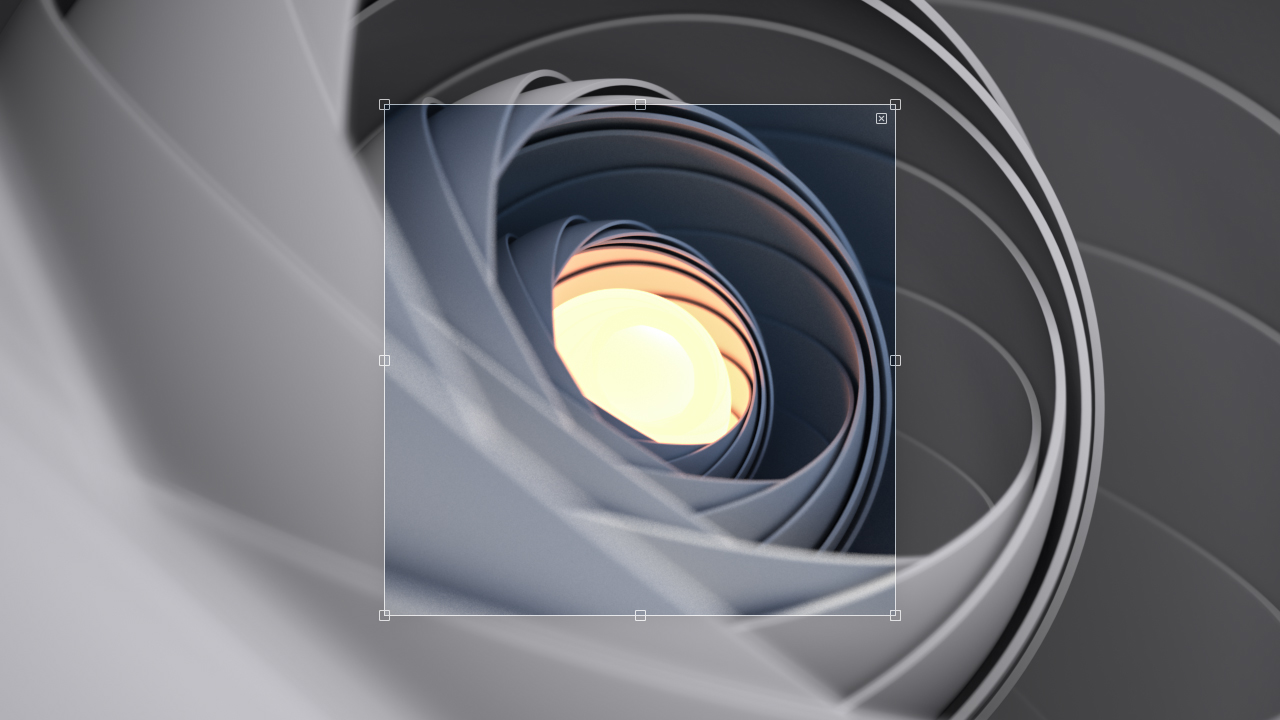
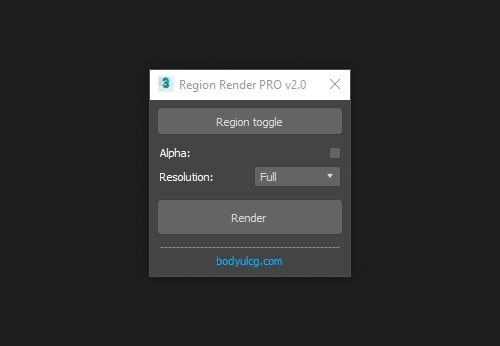
Region Render PRO is a 3ds Max macro that enables you to render specific regions of your scene and see the results directly in the viewport. Inspired by Softimage XSI, this tool speeds up your workflow by letting you focus rendering on selected areas without waiting for full-frame renders.
Requirements
3ds Max 2010 - 2027
Installation
- Unzip the archive
RegionRenderPRO.zip. - Drag
RegionRenderPRO.mcrinto the viewport to install the script. - Open
Customize > Customize User Interfaceand locate it underGroup: Main UI > Category: BodyulCG. - Optionally assign the macro to a hotkey or drag it onto a toolbar for quick access.
Changelog
v2.0
- Now it works as a macro.
- Added resolution setting.
- Improved stability.
- Improved display of alpha.
- Removed the "Set Safe Frames" button.
v1.11
- Fixed flashing screen.
v1.1
- Added setting "Fake Alpha".
- Added setting "Prepass".
v1.0
- First Version