Description
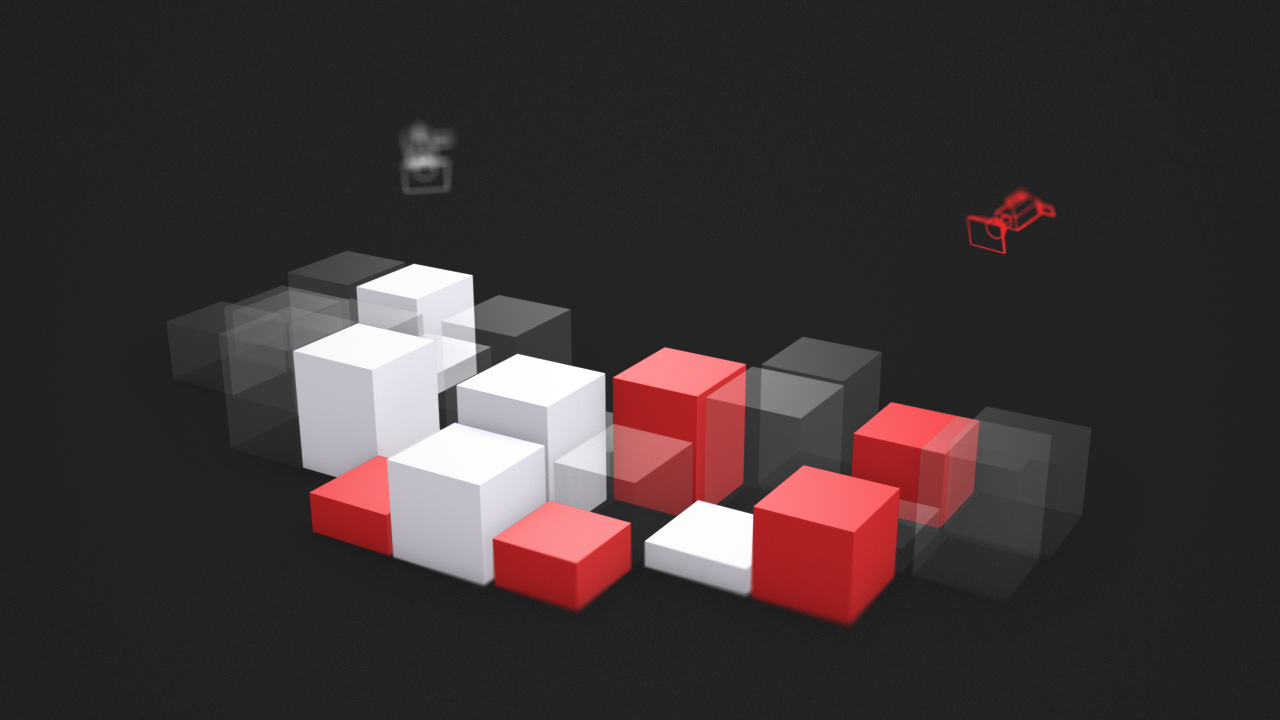
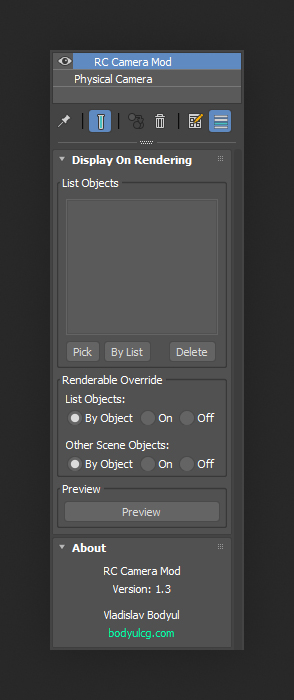
RC Camera Mod is a 3ds Max modifier that lets you control object visibility per camera. Easily manage which objects are visible in each camera view, streamlining scene organization and render setup.
Demo version limitations
- Modifier settings are not saved with the scene file
- Not licensed for commercial use
Documentation
View the user guide here.
Requirements
3ds Max 2013 - 2027
Installation
- Unzip the archive
RCCameraMod.zip. - Copy
RCCameraMod.mseto the3ds Max 20xx\stdplugs\stdscriptsfolder. - The modifier will appear in the modifier list.
Frequently asked questions
Which render engines are supported?
RC Camera Mod supports all major render engines, including Arnold, Corona, V-Ray and FStormRender.
Does it support Batch Render?
Yes, the modifier is fully compatible with Batch Render.
How does the modifier control object visibility?
It toggles the Renderable property on each object in the list.
Have more questions? See the FAQ for general topics including purchasing and licensing.
Support & updates
If you need assistance or have questions, feel free to reach out via the contact form.
For update requests, please include your order number.
Changelog
v1.3
- Added Batch Render support.
- Modifier renaming no longer breaks functionality.
- Minor UI improvements.
v1.2.2
- Fixed occasional freeze at render start.
v1.2.1
- Added support for 3ds Max 2024.
v1.2
- Improved button "Pick". Now you can quickly add multiple objects while holding CTRL.
- Fixed error when deleting objects from the list in 3ds Max 2017 and below.
v1.1
- Added multiple selection in the object list.
- Added context menu in the object list, through which you can select and delete items by Selection Sets.
- Fixed a bug with a switch (on / off) in the modifier stack.
v1.0
- First Version.