Description
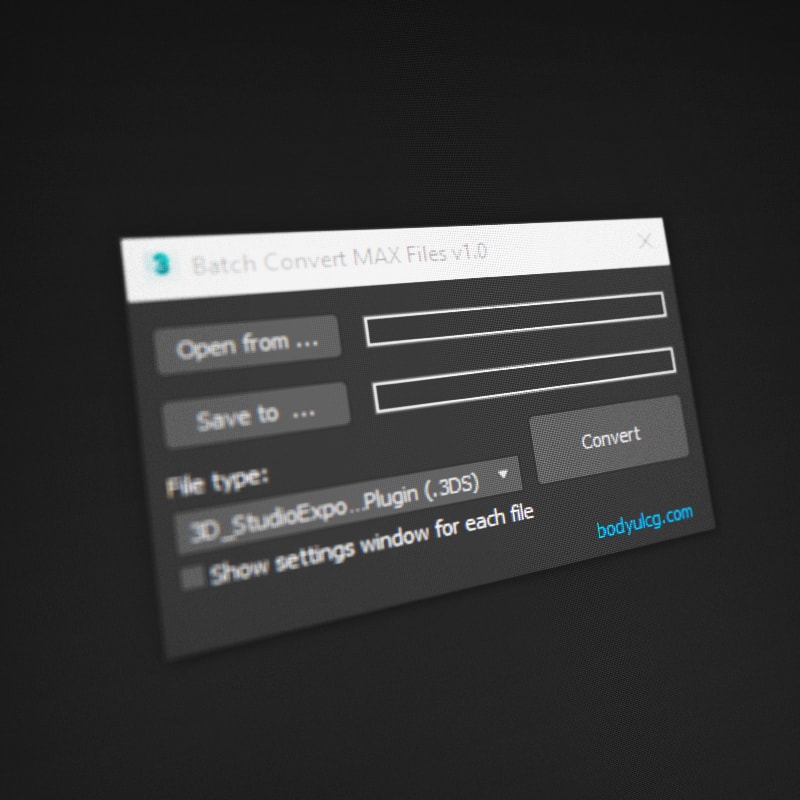
Batch Convert MAX Files is a 3ds Max script that allows you to batch convert multiple scene files at once. Simply select the source folder with your scenes and the destination folder for output, then convert to popular formats like 3DS, OBJ, FBX, DWG, DWF, STL, or AI. Save time and streamline your workflow when working with large numbers of 3ds Max files.
Requirements
3ds Max 2010 - 2027
How to use
- Unzip the archive
BatchConvertMAXFiles.zip. - Drag
BatchConvertMAXFiles.msinto the viewport, or run it viaScripting > Run Script.
Changelog
v1.0
- First Version.