Description
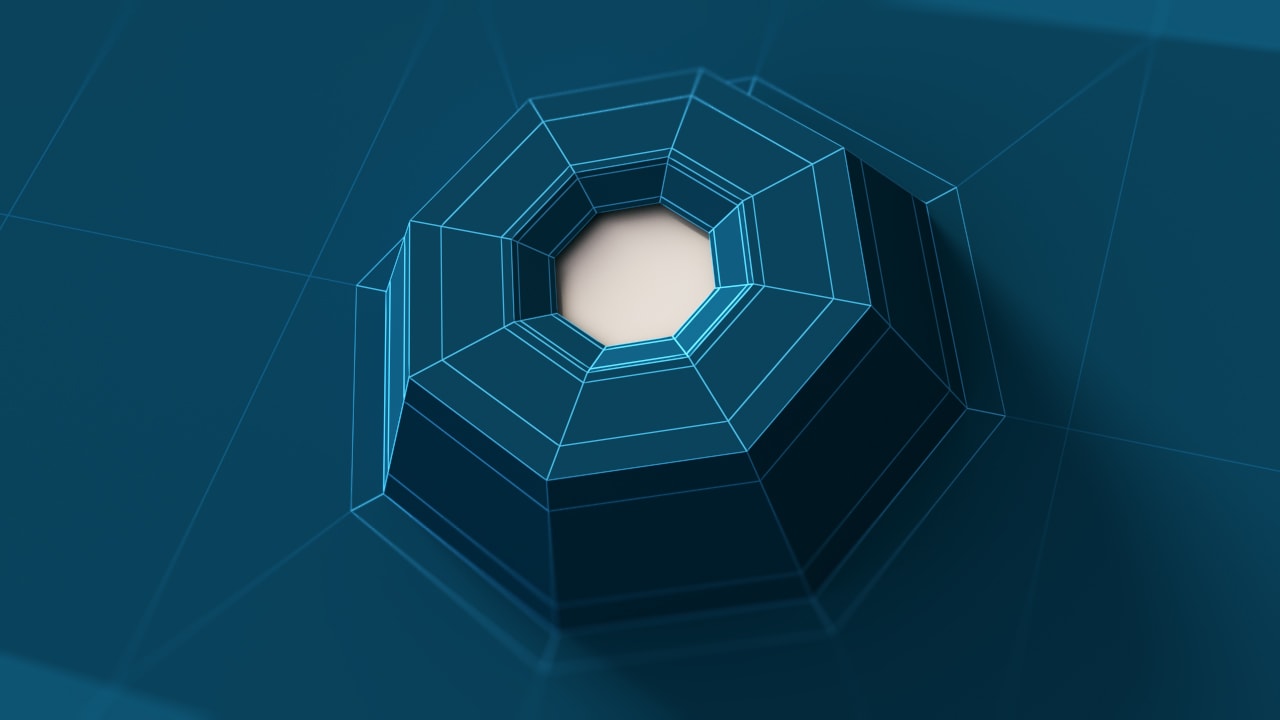
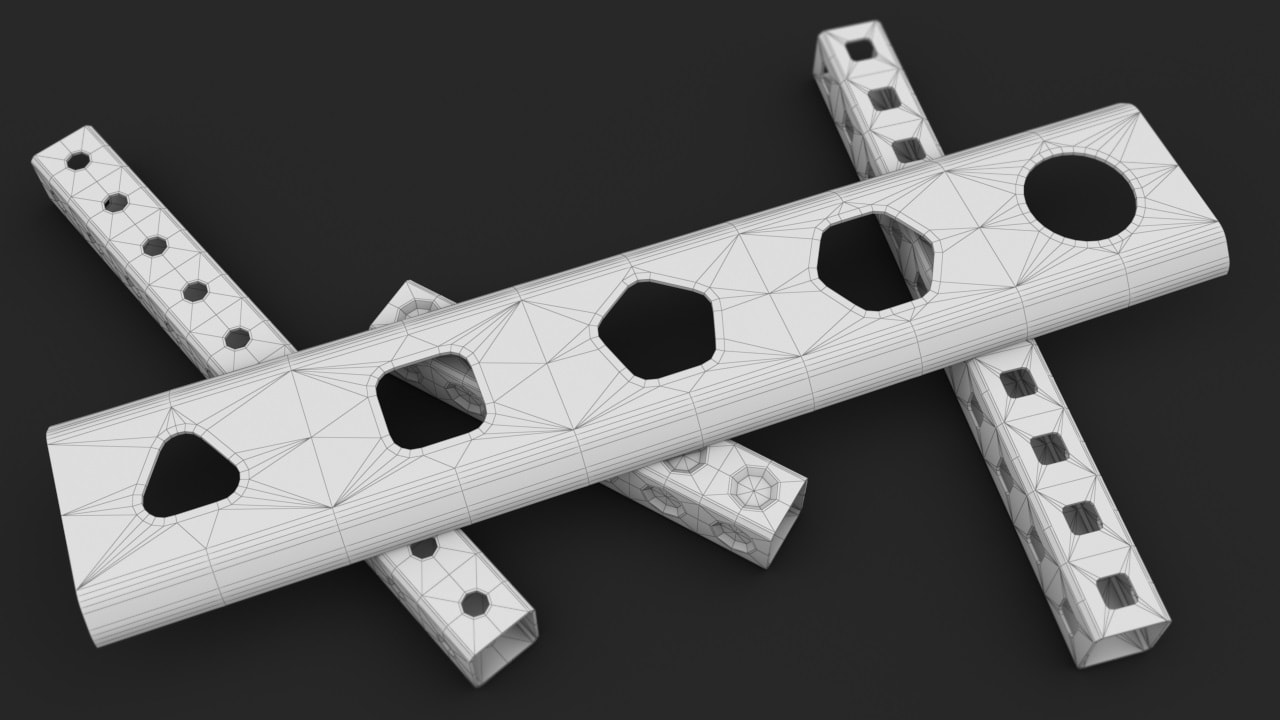
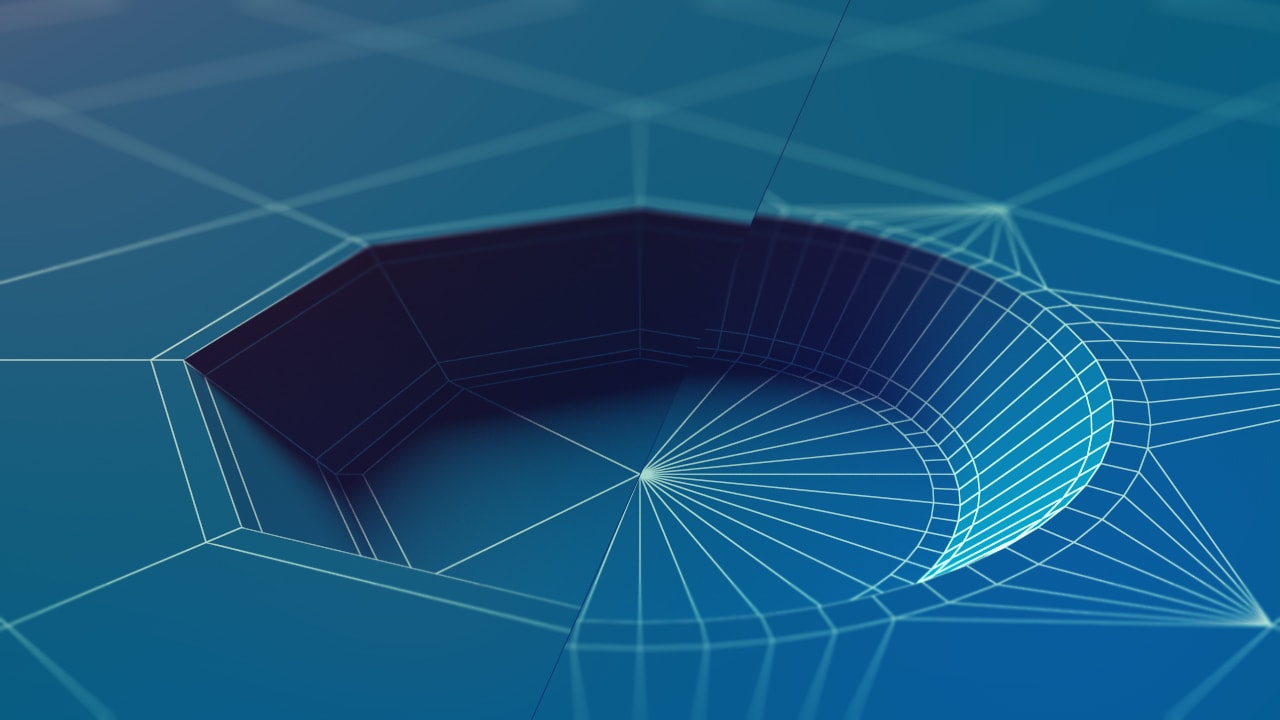
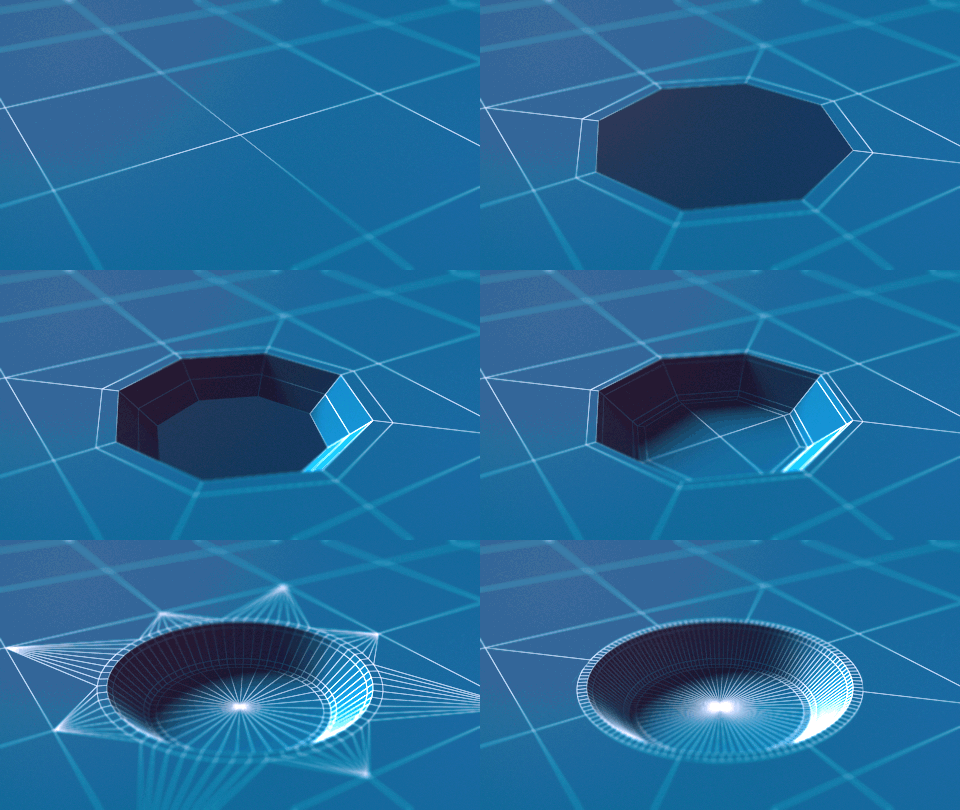
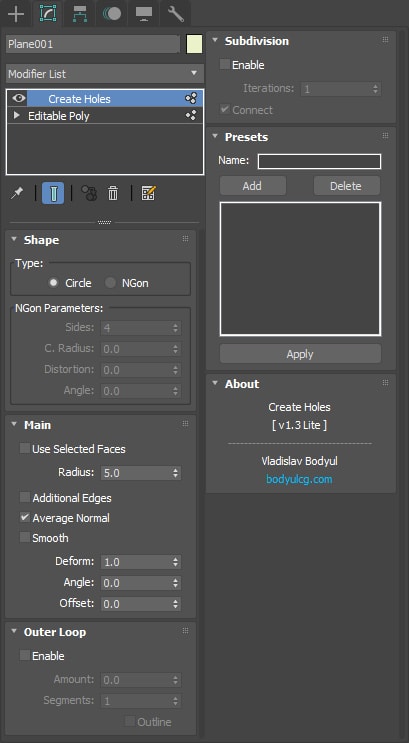
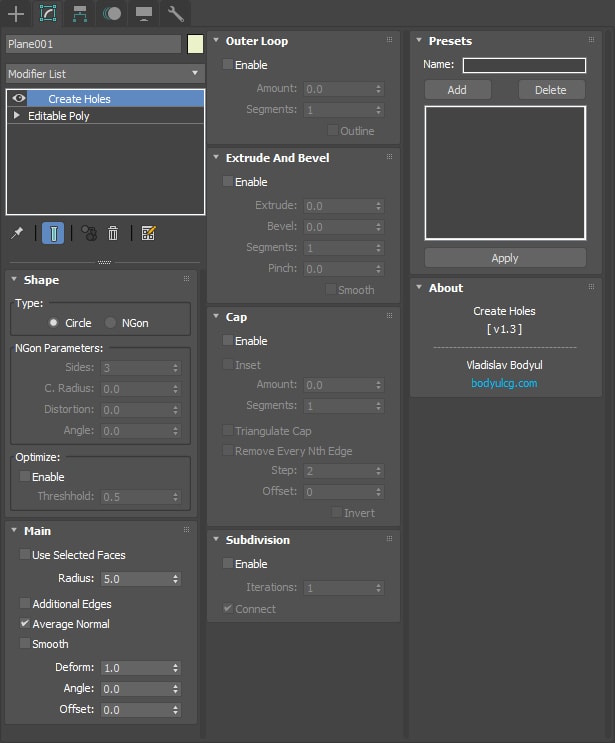
Create Holes is a 3ds Max modifier designed to streamline hole creation directly from selected vertices or polygons. It provides precise control over hole shapes, geometry optimization, and advanced features such as outer loops, extrusion, caps, and subdivision. A built-in presets manager allows you to save and reuse custom configurations for faster and more consistent modeling workflows.
Key features
-
Customizable Hole Shapes
Choose between circular or n-gon shapes, and adjust parameters such as side count, radius, distortion, and rotation angle. -
Mesh Optimization
Automatically optimize geometry with adjustable thresholds while preserving shape quality. -
Outer Loop Creation
Quickly define outer loops with precise control over amount, segment count, and optional outlining. -
Extrude & Bevel
Add depth and refinement with extrusion, beveling, and smooth pinching controls. -
Cap Options
Customize cap inset, segment count, and advanced options such as triangular caps or step removal. -
Subdivision
Enhance the surface smoothness with iterative subdivisions and connectivity options. -
Presets Manager
Save and apply frequently used configurations for consistent results.
Lite version limitations
- Mesh optimization options are not available in hole shape settings
- Extrude, bevel, and cap features are disabled
- Subdivision is limited to a single iteration
Documentation
View the user guide here.
Requirements
3ds Max 2016 - 2027
Installation
- Unzip the archive
CreateHoles.zip. - Copy
CreateHoles.mseto the3ds Max 20xx\stdplugs\stdscriptsfolder. - The modifier will appear in the modifier list.
Frequently asked questions
Is the Lite version free for commercial use?
Yes, the Lite version is free for both personal and commercial use.
Can I create holes on multiple polygons or vertices at once?
Yes, the modifier processes all selected polygons or vertices simultaneously, creating holes across the entire selection in a single operation.
Can the modifier parameters be animated?
Yes, all key parameters support standard 3ds Max keyframe animation, allowing you to animate hole size, rotation, extrusion, and other properties over time.
Have more questions? See the FAQ for general topics including purchasing and licensing.
Support & updates
If you need assistance or have questions, feel free to reach out via the contact form.
For update requests, please include your order number.
Changelog
v1.3.2
- Fixed "Cap Inset Amount" value not being saved to preset (was silently reset to 0.0 on load).
v1.3.1
- Fixed UI in 3ds Max 2020.
v1.3
- Added hole shape settings.
- Added checkbox "Use Selected Faces" to "Main" rollout.
- Added parameter "Deform" to "Main" rollout.
- Added checkbox "Outline" to "Outer Loop" rollout.
- Added checkbox "Smooth" to "Extrude And Bevel" rollout.
- Added checkbox "Triangulate Cap". Previously, triangulation was done by default.
- Minor changes in the UI. Added tooltips for several parameters.
v1.2
- Added ability to save presets.
v1.1
- Added "Subdivision".
- Added some settings of "Cap".
v1.0
- First version.